
I have been having a tough time with this. I have had many tough times throughout this whole “Self-host everything!” project. This is the worst one. Such that if I am writing about it, so if I ever have to do this again, I will have a guide I can follow to just get the answer, instead of the ChatGPT hallucination hell I have been in for the last few days.
I don’t remember why I am running Nextcloud and Collabora in separate containers as their own apps instead of on a CODE server. If I remember, maybe I’ll write about it.
I am going to copy/paste my AI responses every now and then. They’ll look like this
My problem
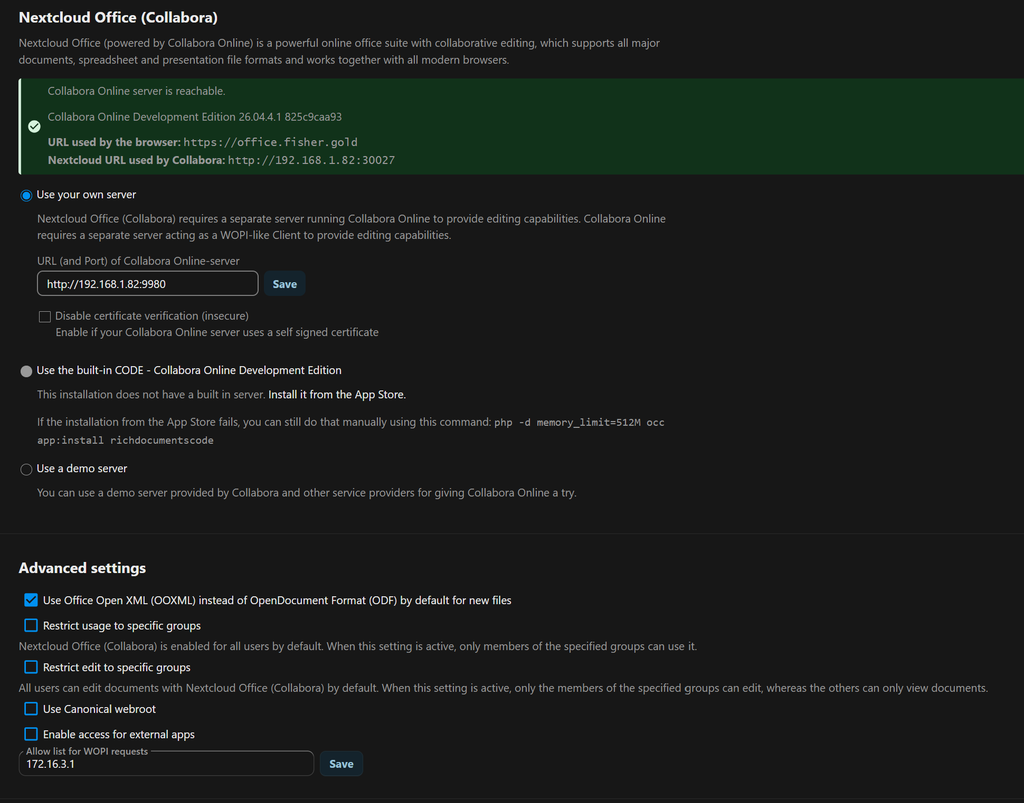
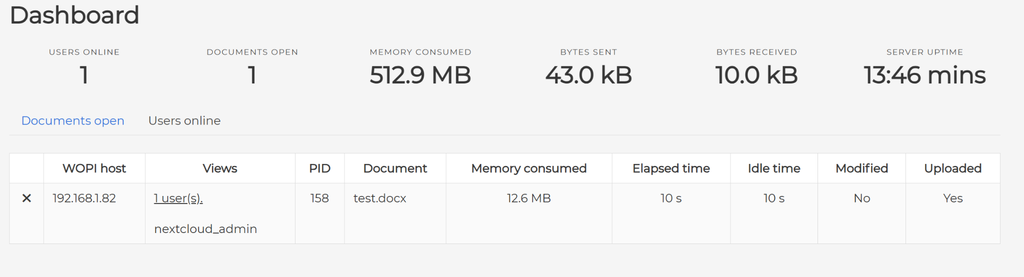
I have the options to create new documents with Collabora within Nextcloud, but when I try to open a document or create a new one, the editor never loads. It just spins. While spinning, a user appears on my Collabora admin panel. Screenshots of their interfaces are below.
On my TrueNAS server, TrueNAS and Nextcloud are on each downloaded as apps, and within in their own containers. Below are my basic settings.
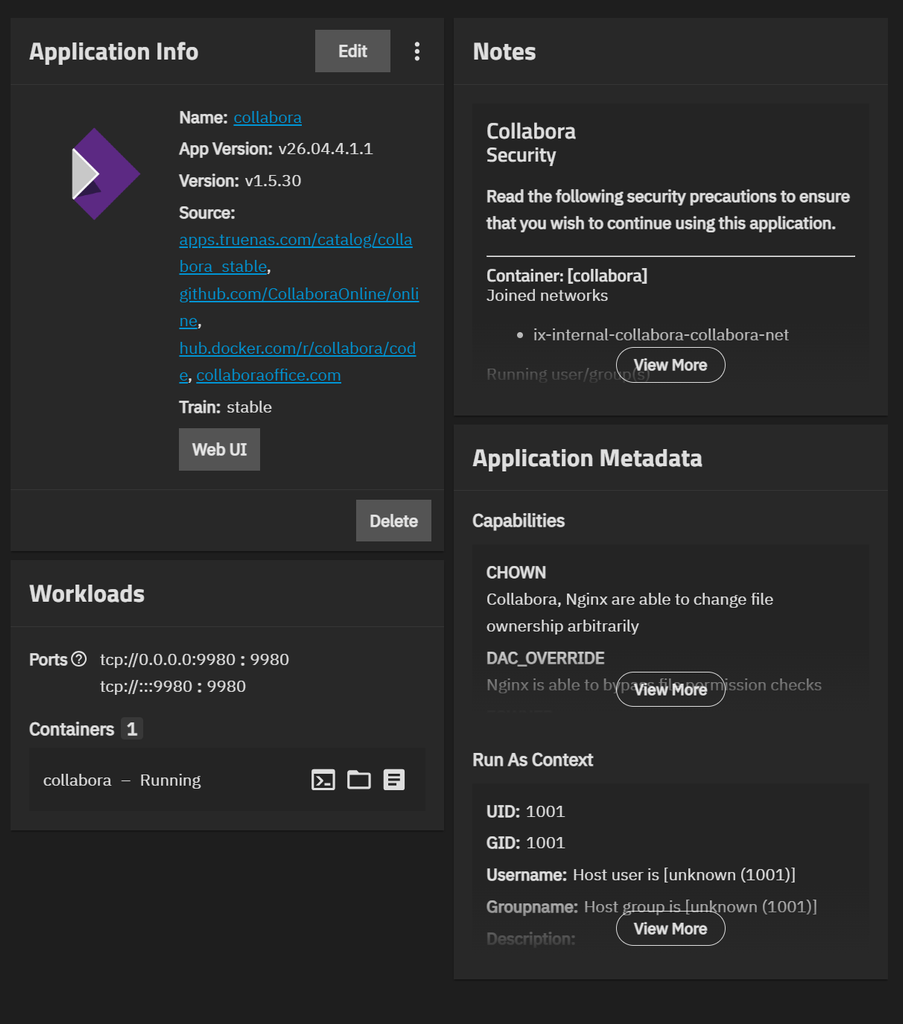
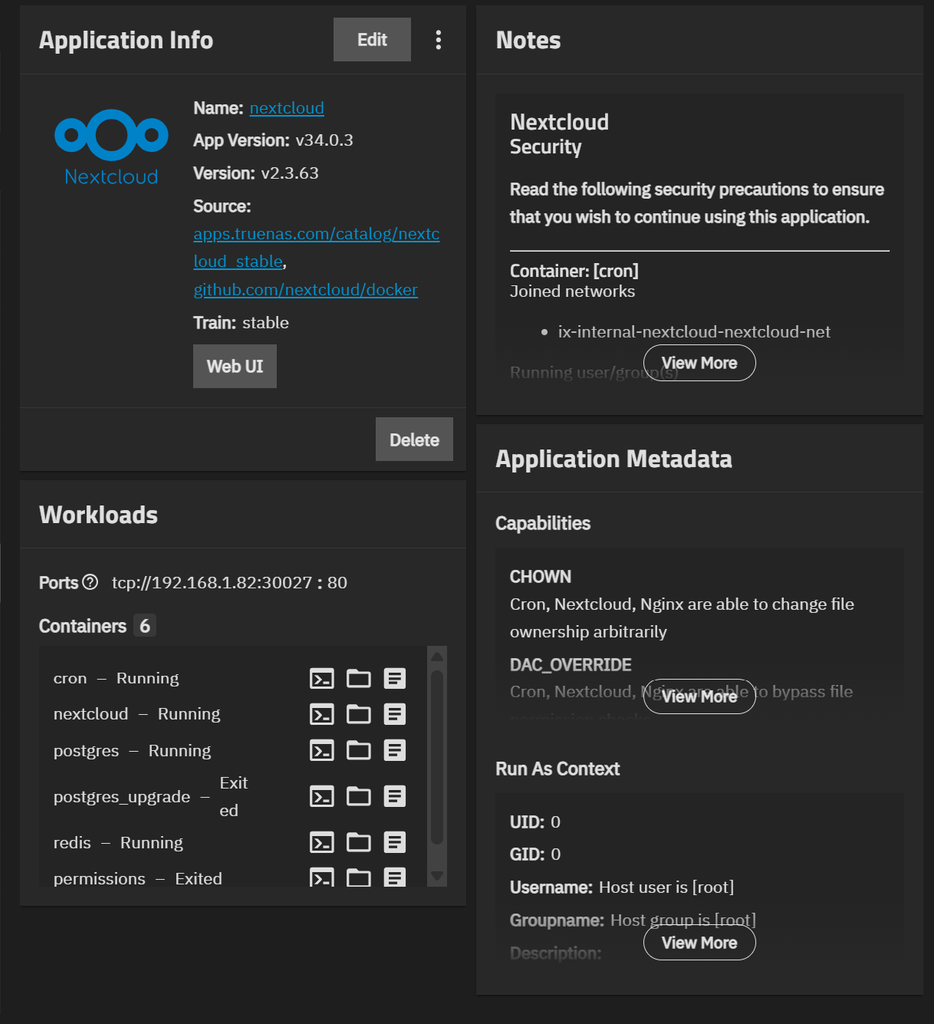
They definitely can connect to each other, as evidenced by my options to create new Collabora documents.
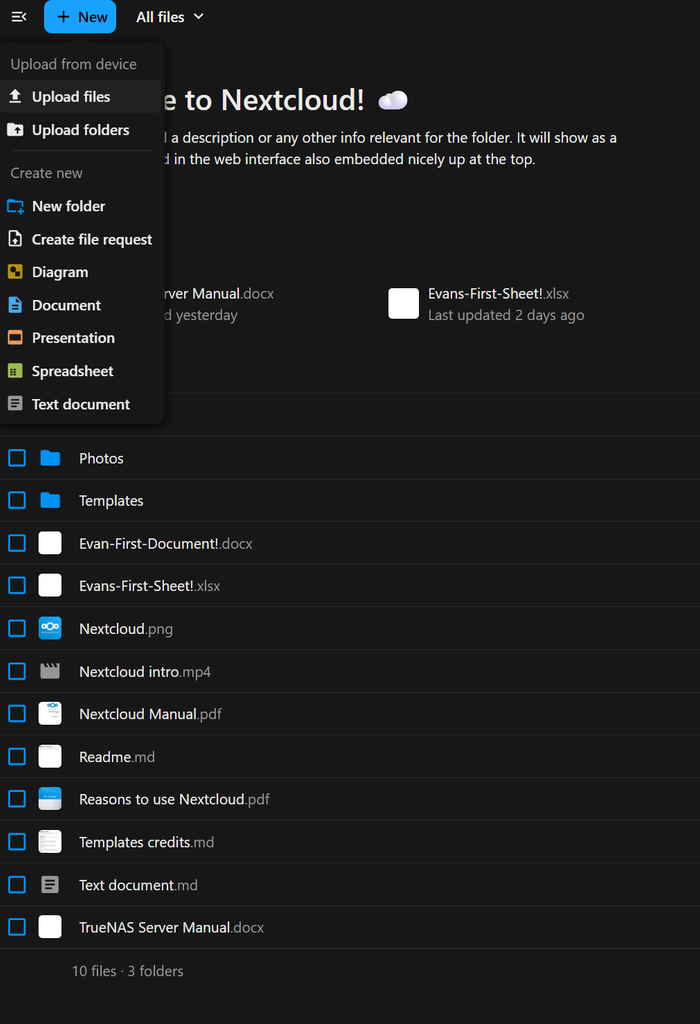
Whenever I open a file, Collabora tries to load the file, and seemingly does as evidenced by my inspection of the loading screen. The iframe this loading wheel is in belongs to Collabora.
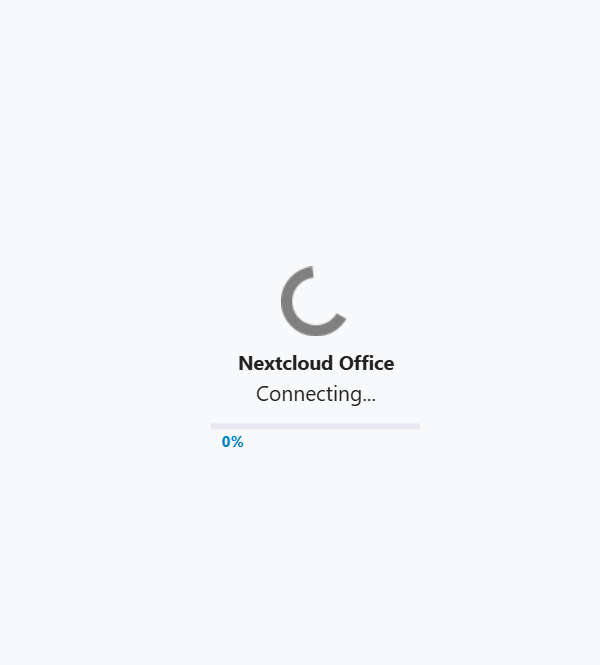
After sending AI a bunch of screenshots of my inspect element tab for this loading screen, it determined the websockets connection was established, and I was successfully reaching Collabora through my Nginx reverse proxy manager.
This problem was happening across multiple devices and networks, too.
AAAAAND it all comes down to DNS. As always. And it doesn’t appear there is a fix for this. I think I have fundemeentally set this up wrong. I will look into using internal docker routing rather than needing DNS to communicate beteween the two apps in the first place.
A new path…
Gonna try to use an internal docker network to have the apps communicate. I’m sure this will be another waste of time.
remember
How to check COllabora server logs
You have to start and stop capturing logs.
On the main TrueNAS shell, execute:
sudo docker logs --follow --tail 10 ix-collabora-collabora-1Press Ctrl+C to end logging.
how to execute at collabora
Collabora doesn’t have a shell. You have to open an Alpine shell, which will emulate what it’s would be like if you did execute that command at Collabora. I don’t quite understand it.
On the main TrueNAS shell, execute:
sudo docker run --rm -it \
  --network container:ix-collabora-collabora-1 \
  alpine:3.22 \
  /bin/sh
Ctrl+P immediately followed by Ctrl+Q to quit without closing the TrueNAS Shell. Why?
Leave a Reply